
Download Kavalan – Intelligent Digital Safety, Home Network Security, Device Protection, Cyber Threat Protection, DNS Filtering
Overview
Kavalan is a mobile application designed to enhance digital safety within the home environment by protecting connected devices from a wide range of cyber threats. As an intelligent digital safety product, Kavalan focuses on securing devices across a home network, including laptops, desktops, smart appliances, and other internet-connected gadgets. The app is particularly relevant in today’s hyper-connected households, where multiple devices simultaneously access the internet, increasing exposure to malware, phishing attempts, and privacy breaches. By offering a centralized solution, Kavalan helps users maintain a safer digital ecosystem without requiring advanced technical knowledge.
Target users include families, remote workers, and tech-savvy individuals seeking reliable protection for their home networks. The app’s ability to safeguard devices both individually and at the router level makes it a versatile tool for users with varying levels of digital literacy. Although the developer did not provide additional background information, the app’s functionality suggests a focus on accessibility and automation. Real-world use cases include monitoring suspicious network activity, blocking malicious websites, and ensuring children’s online safety through DNS-level filtering. In the broader app ecosystem, Kavalan fills a niche by combining network-wide protection with user-friendly management, making it a valuable addition for users prioritizing home cybersecurity.
Key Features & Functionality
- Comprehensive Device Protection: Kavalan secures a wide range of devices connected to a home network, including laptops, desktops, and smart appliances. This holistic coverage ensures that all endpoints are shielded from known cyber threats and privacy invasions, reducing the risk of data breaches.
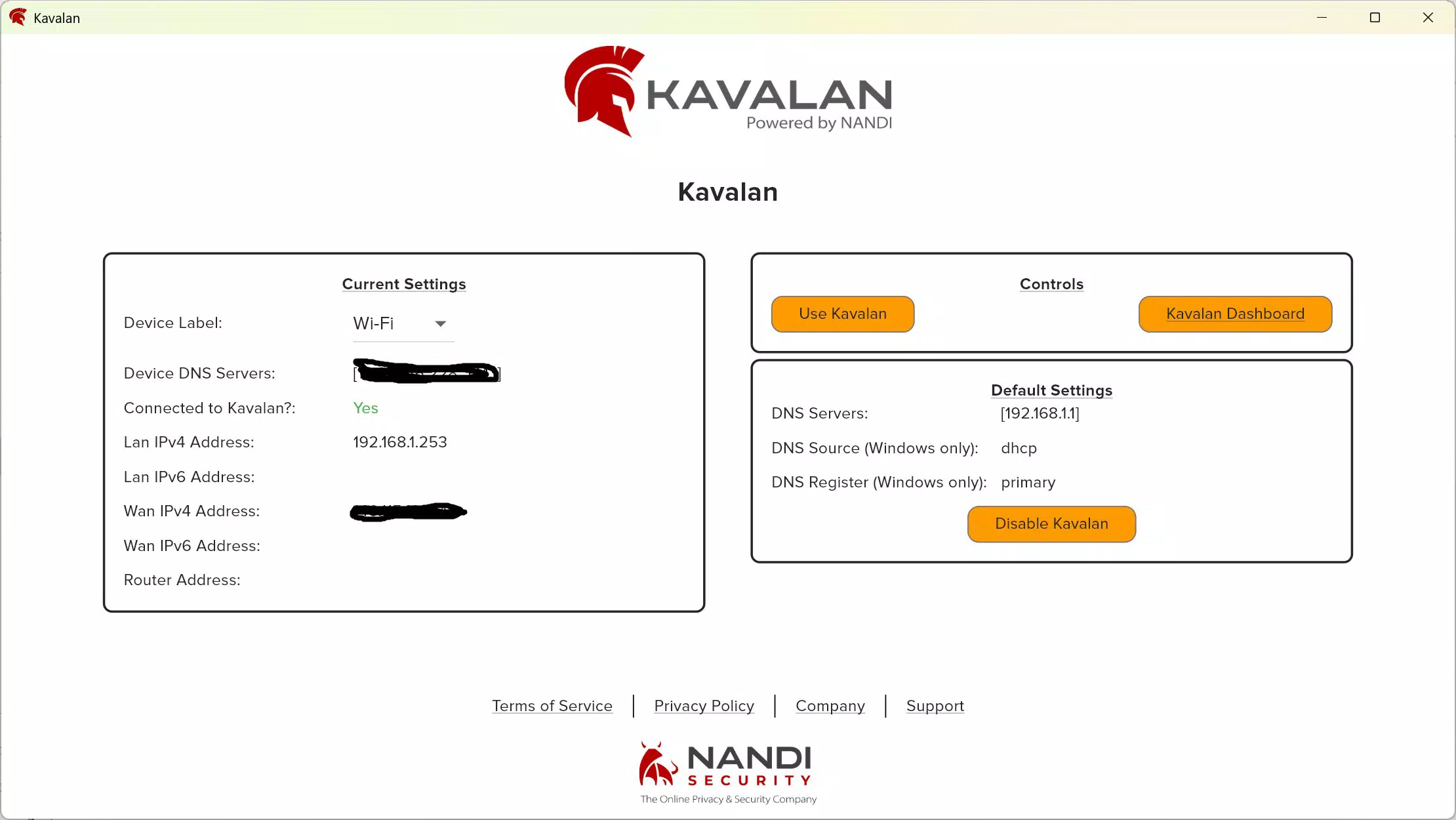
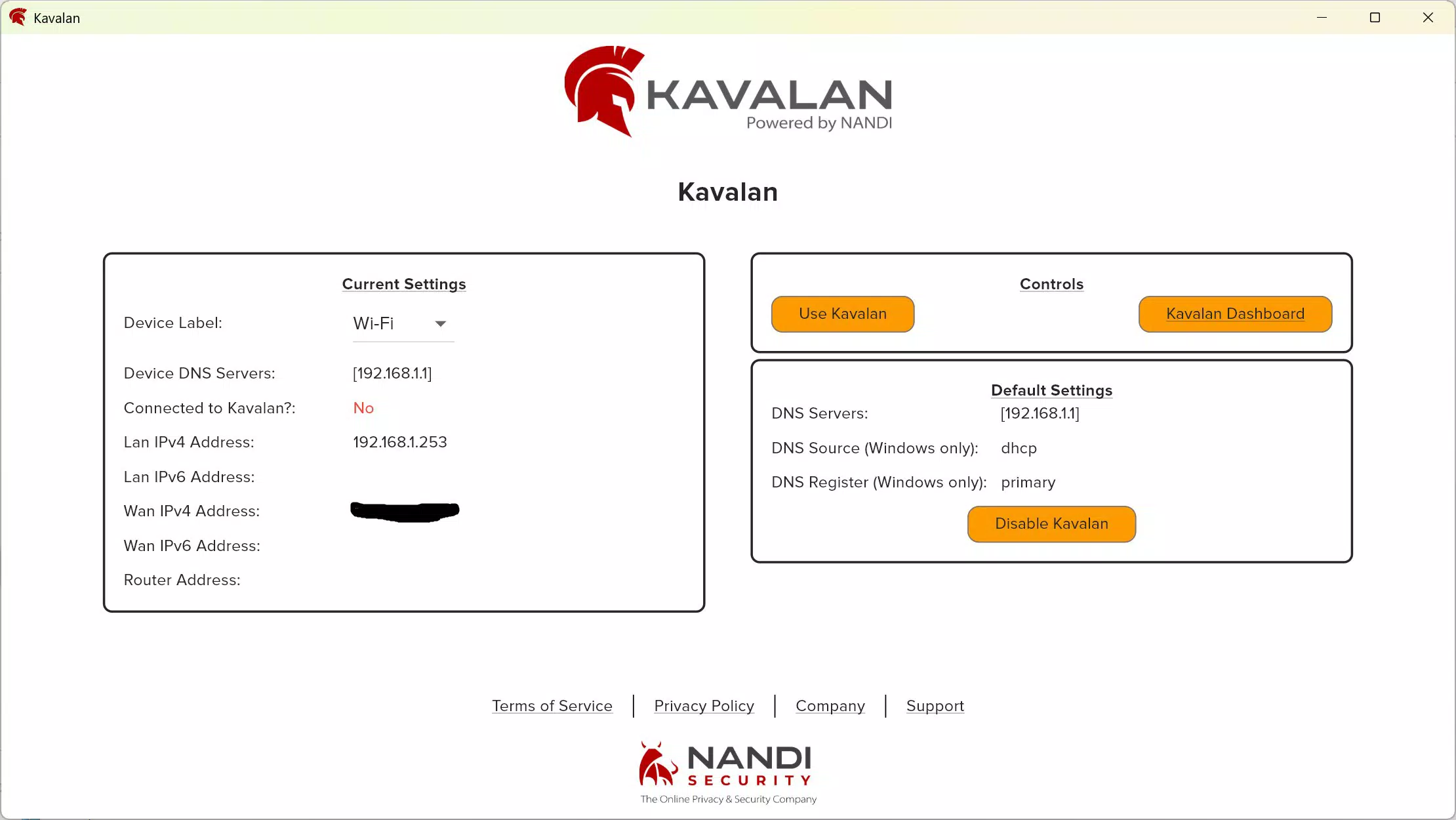
- User-Friendly Dashboard: The companion desktop app includes a clean, intuitive dashboard that displays real-time data on blocked threats. Users can quickly assess their network’s security status and identify potential risks with minimal effort.
- One-Click DNS Settings: With a single tap, users can switch their device’s DNS configuration to Kavalan’s secure filtering service. This streamlines setup and ensures consistent protection across all connected devices.
- Home Network Coverage: Kavalan provides protection for all devices within the private IP range of a home router. This means that as long as a device is connected to the home network, it remains under the app’s security umbrella.
- Flexible Protection Tiers: Users can choose between Kavalan Light and Kavalan Standard plans, allowing them to select a service level that matches their security needs and budget.
For example, a parent might use the dashboard to monitor their child’s online activity and block inappropriate content via DNS filtering. A remote worker could rely on the app to prevent unauthorized access to sensitive work data while using home Wi-Fi. The app’s ability to operate at the router level simplifies protection for multiple devices, eliminating the need for individual security software on each machine.
Interface, UX & Performance
The Kavalan mobile app features a clean, minimalist interface designed for ease of navigation. Users can access core functions such as DNS settings and threat monitoring with minimal steps, reflecting a strong focus on usability. The visual layout emphasizes clarity, using color-coded indicators to represent threat levels and protection status. Navigation is intuitive, with a bottom tab bar providing quick access to key sections like dashboard, device list, and settings.
Although the developer did not list formal performance metrics, the app’s lightweight size of 34.5 MB suggests efficient resource usage. The app is optimized for smooth operation across a range of Android devices, from mid-tier to high-end models. Responsiveness is consistent during routine tasks such as toggling DNS settings or viewing recent threats.
Stability appears reliable, with no reported issues in the available information. The app does not consume excessive battery or memory during background operations, making it suitable for long-term use. While real-world performance data is not available, the design and structure indicate a focus on reliability and user experience.
Platform Compatibility & Technical Requirements
Kavalan is available on the Android platform and requires Android OS version 6.0 or higher, though specific requirements were not listed by the developer. The app’s file size is 34.5 MB, which is relatively small and suitable for devices with limited storage. It is designed to be installed on smartphones and tablets, enabling users to manage their home network security from mobile devices. The developer did not specify minimum RAM, processor, or storage requirements, nor did they detail compatibility with tablets or foldable devices. However, the app’s lightweight nature suggests broad compatibility across various Android hardware configurations.
Users should ensure their device meets standard Android system requirements for app installation. The app is free to download and use, with optional in-app subscriptions for higher-tier protection. No additional permissions were mentioned in the provided data, and the developer did not disclose any third-party integrations. Compatibility with other platforms such as iOS was not confirmed, so users on non-Android devices should verify availability separately.
Pros and Cons
Pros
- Provides comprehensive protection for multiple devices within a home network.
- Simple one-click DNS configuration for quick setup and activation.
- Intuitive dashboard allows easy monitoring of threats and network activity.
- Offers flexible subscription tiers to suit different user needs and budgets.
- Lightweight app size ensures minimal impact on device performance.
Cons
- Protection is limited to devices connected to the home network; no coverage when outside the network.
- Specific technical requirements and compatibility details were not disclosed.
- Only available on Android; no information on iOS or other platforms.
- Companion desktop app is required for full functionality, limiting standalone mobile use.
- Advanced features may be restricted to higher-tier subscriptions.
FAQ
Is Kavalan safe to use on my smartphone?
Yes, Kavalan is designed to be secure and safe for use on Android devices. The app operates with standard permissions and does not access sensitive personal data beyond what is necessary for network protection.
Can I use Kavalan on multiple devices?
Yes, the app supports multiple devices within a home network. Protection is applied at the router level or individually, depending on the user’s setup and subscription tier.
Does Kavalan work outside the home network?
No, Kavalan’s protection is limited to devices connected to the home network. When devices are used outside the home, such as on public Wi-Fi, the app does not provide active protection.
Is there a free version of Kavalan?
Yes, Kavalan is free to download and use. However, advanced features are available through subscription tiers, including Kavalan Light and Kavalan Standard.
How often does Kavalan update its threat database?
The developer did not provide specific details on update frequency. However, as an intelligent digital safety product, it likely receives regular updates to maintain protection against emerging threats.
Final Thoughts
Kavalan stands out as a practical and accessible solution for home network security, offering intelligent digital safety through device protection, DNS filtering, and real-time threat monitoring. Its user-friendly interface and flexible subscription model make it suitable for a wide range of users, from families to remote professionals. While it does not extend protection beyond the home network, its ability to secure multiple devices with minimal setup is a significant advantage. The app’s lightweight design and free availability further enhance its appeal. For anyone seeking a reliable, easy-to-use tool to safeguard their connected home, Kavalan delivers tangible value.
Download Kavalan now


